

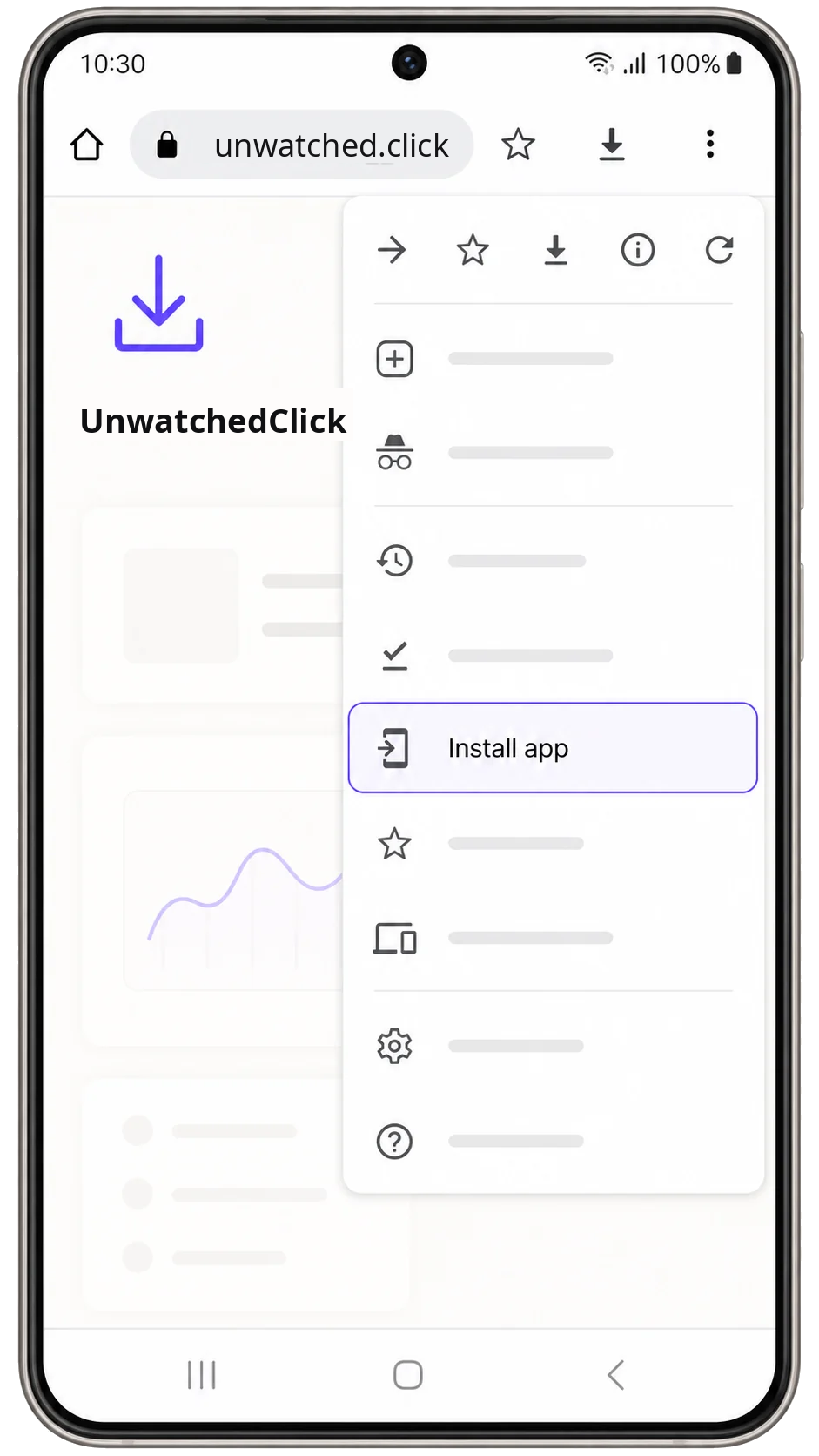
Chrome, Edge, Samsung Browser on Android
- Open the browser menu in the top-right corner.
- Choose Add to Home screen or Install app.
- Confirm the prompt and keep the new icon on your phone.
Mobile access
Add the YouTube summarizer to your phone for faster launches, cleaner sharing, and one-tap access from your home screen.
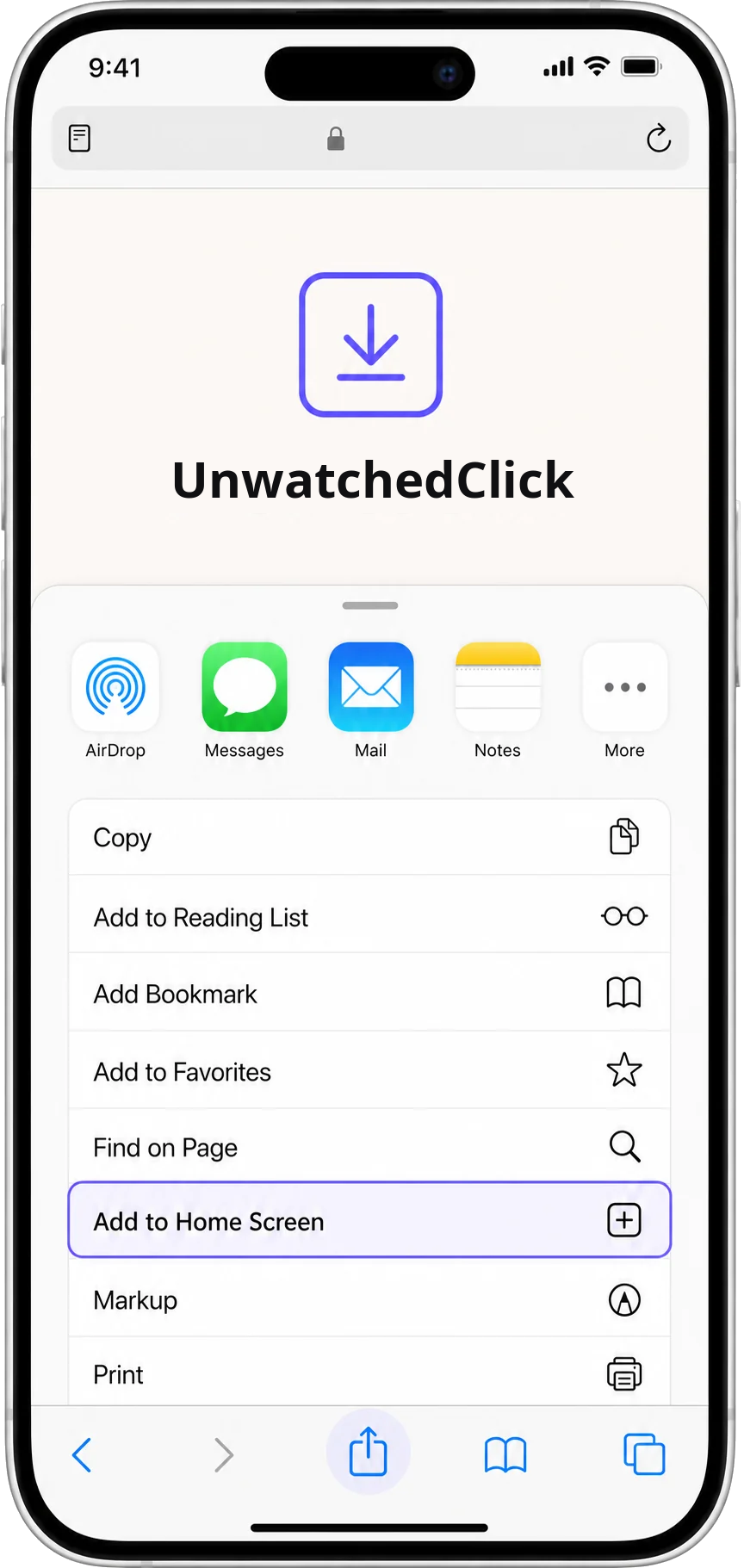
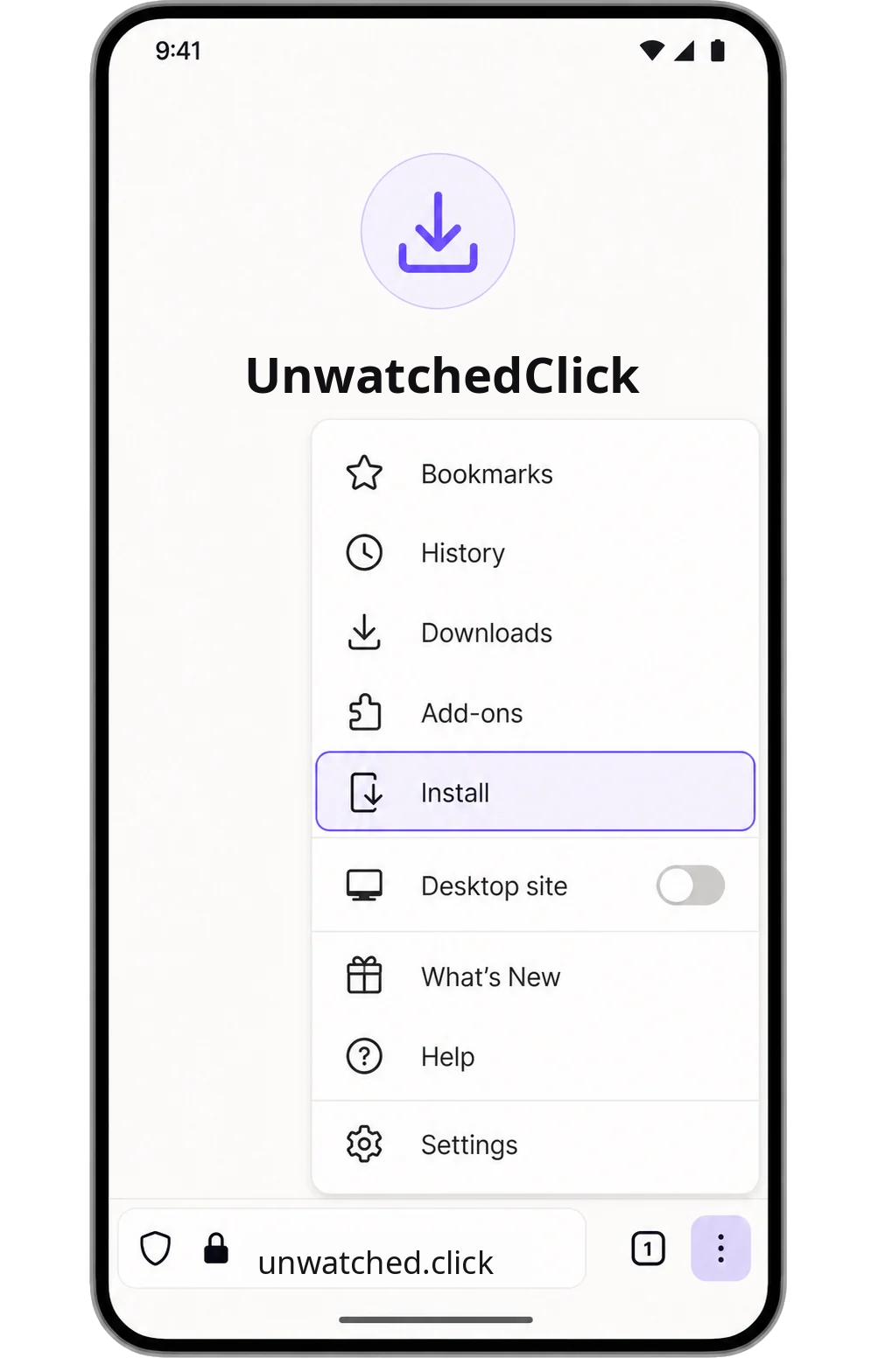
Once installed, open YouTube links in UnwatchedClick from your browser or share sheet when your device offers that action.