

Signing in
Sign in on unwatched.click. The extension picks up your session automatically, so no separate login is needed.
Browser extension
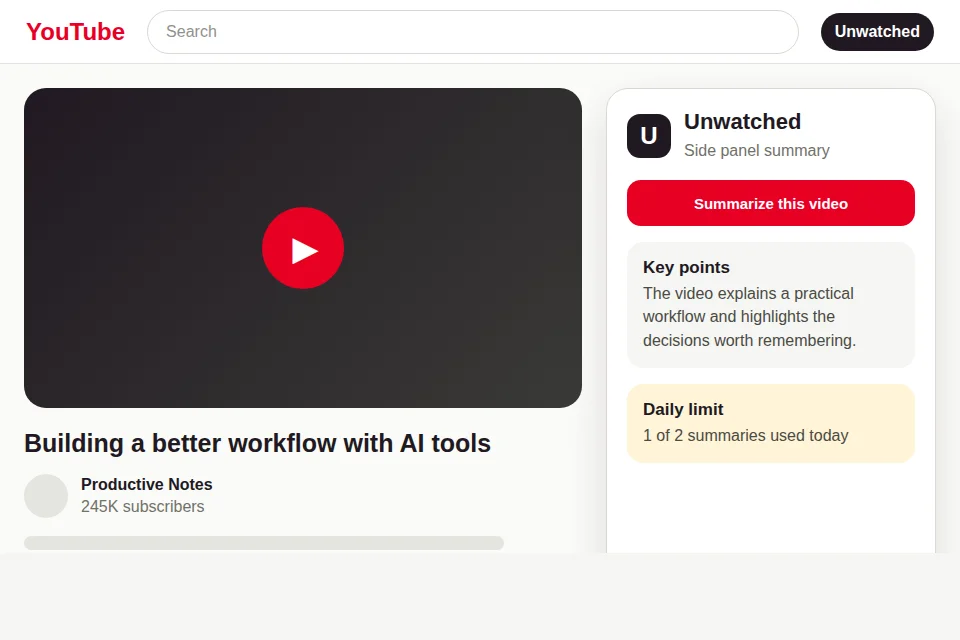
Summarize the YouTube video you're watching right in a side panel, without leaving the page.
Manual developer-mode install
Setup
Download the zip and unpack it to a folder you won't delete.
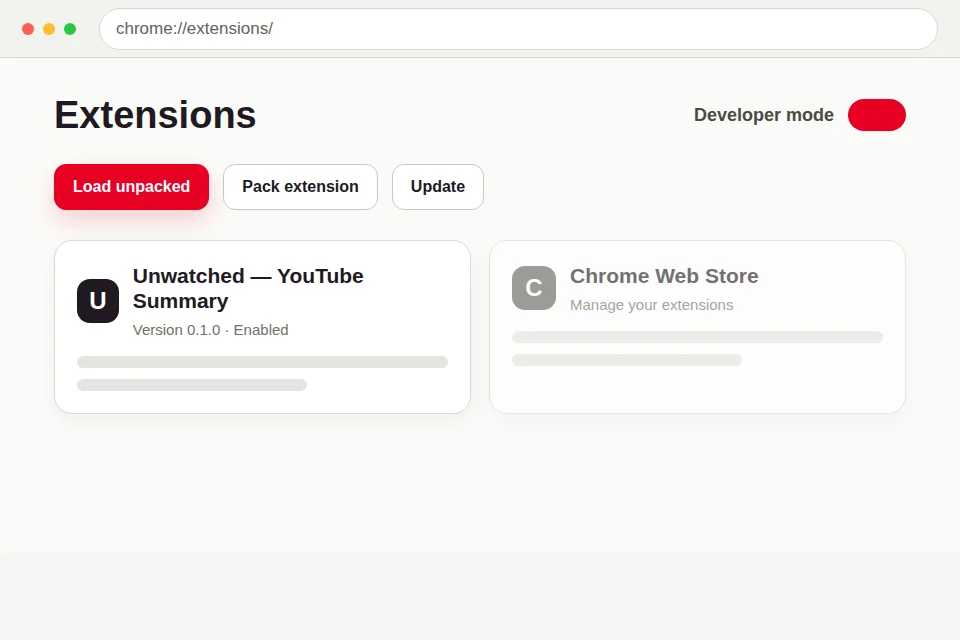
Open in Chrome or Edge.
Turn on Developer mode in the top-right corner.
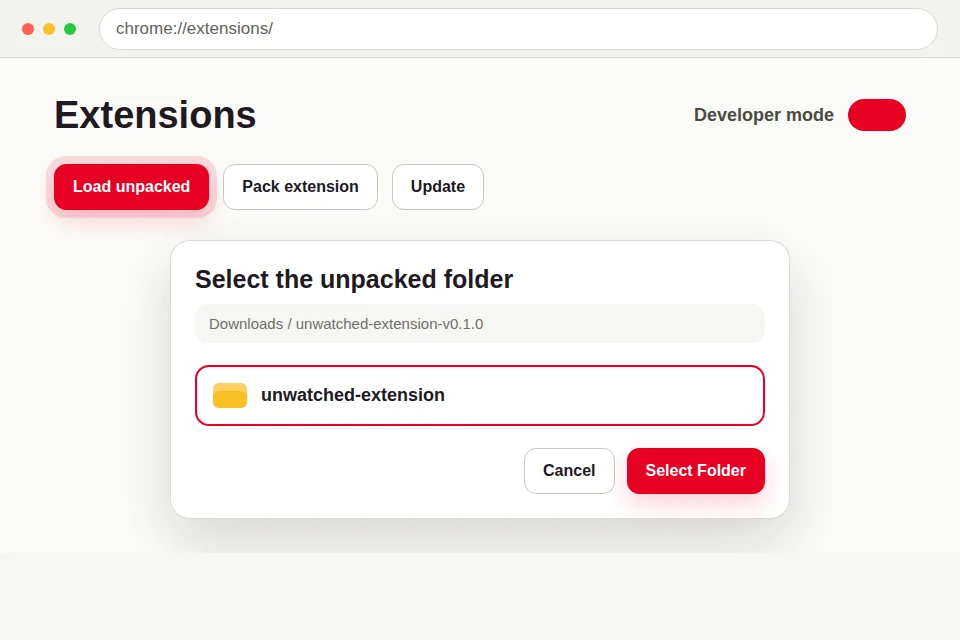
Click Load unpacked and select the unpacked folder.
Open any YouTube video and click the Unwatched icon to open the side panel.
Sign in on unwatched.click. The extension picks up your session automatically, so no separate login is needed.